 September 21, 2026 | 1 min Read
Manual Installation and Update of MagicPods for Decky Loader
The latest version of the plugin is always available on the website before it appears in the Decky Store. This is because the Decky team needs some time to review and publish updates in the Decky Store.
To install or update the plugin:
- (Optional) Uninstall the MagicPods plugin. All settings will be preserved except for the selected language.
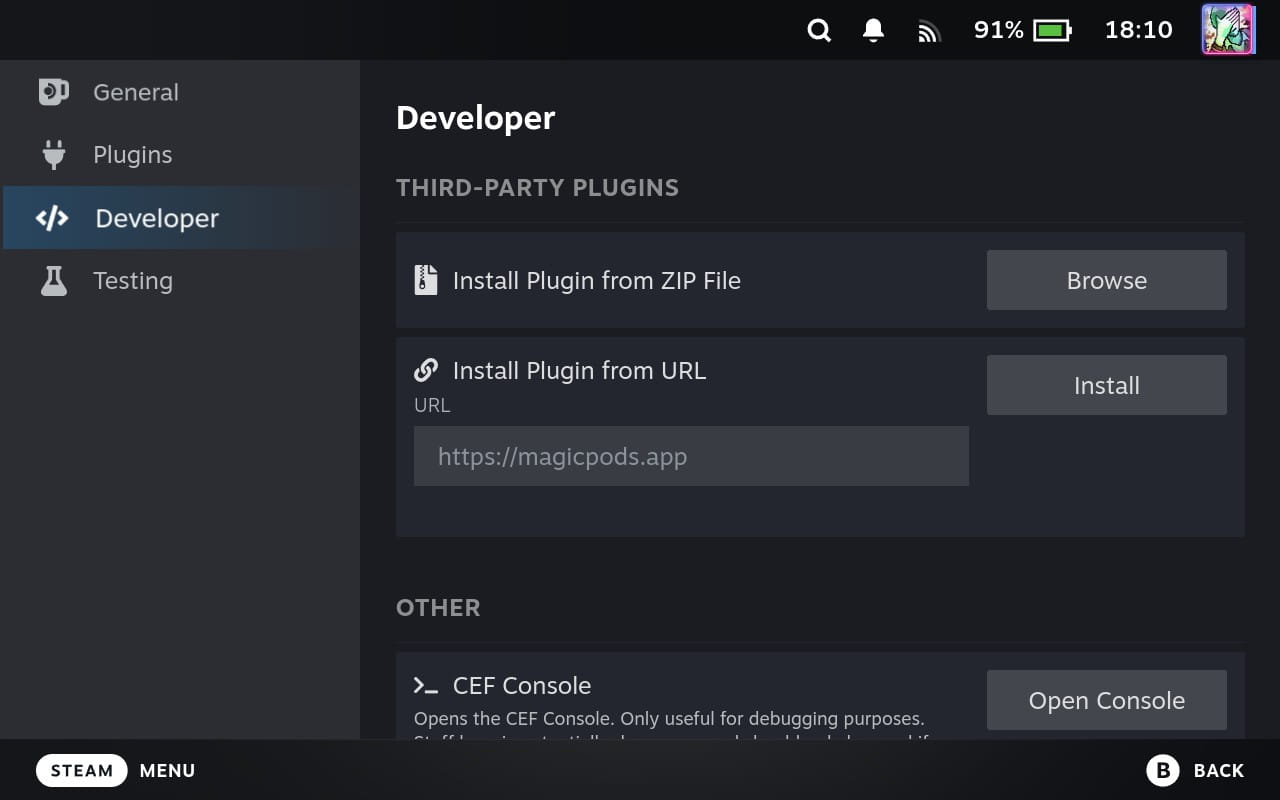
- Open the Decky Loader settings.
- Go to the General tab and enable Developer Mode.
- Go to the Developer tab.
- Enter the following URL:
https://magicpods.app/plugin - Click Install.