 June 1, 2026 | 6 min Read
Introducing MagicPods for Linux
Valve impressed me incredibly with the release of Steam Deck, and back in 2024 I developed the MagicPodsDecky plugin for Steam Deck gaming mode. The Steam Machine announcement impressed me even more, and that’s how the idea was born to port MagicPods to Linux as a fully native application instead of another Electron/React monster — and eventually release MagicPods on Steam.
About Development
Before this project I had barely written anything for Linux and was mostly familiar only with server-side stuff, so MagicPods Linux can be considered my pilot Linux project.
At first I decided to try making a KDE Plasmoid and see how users would react to the idea in general. As it turned out, quite a lot of people actually use SteamOS.
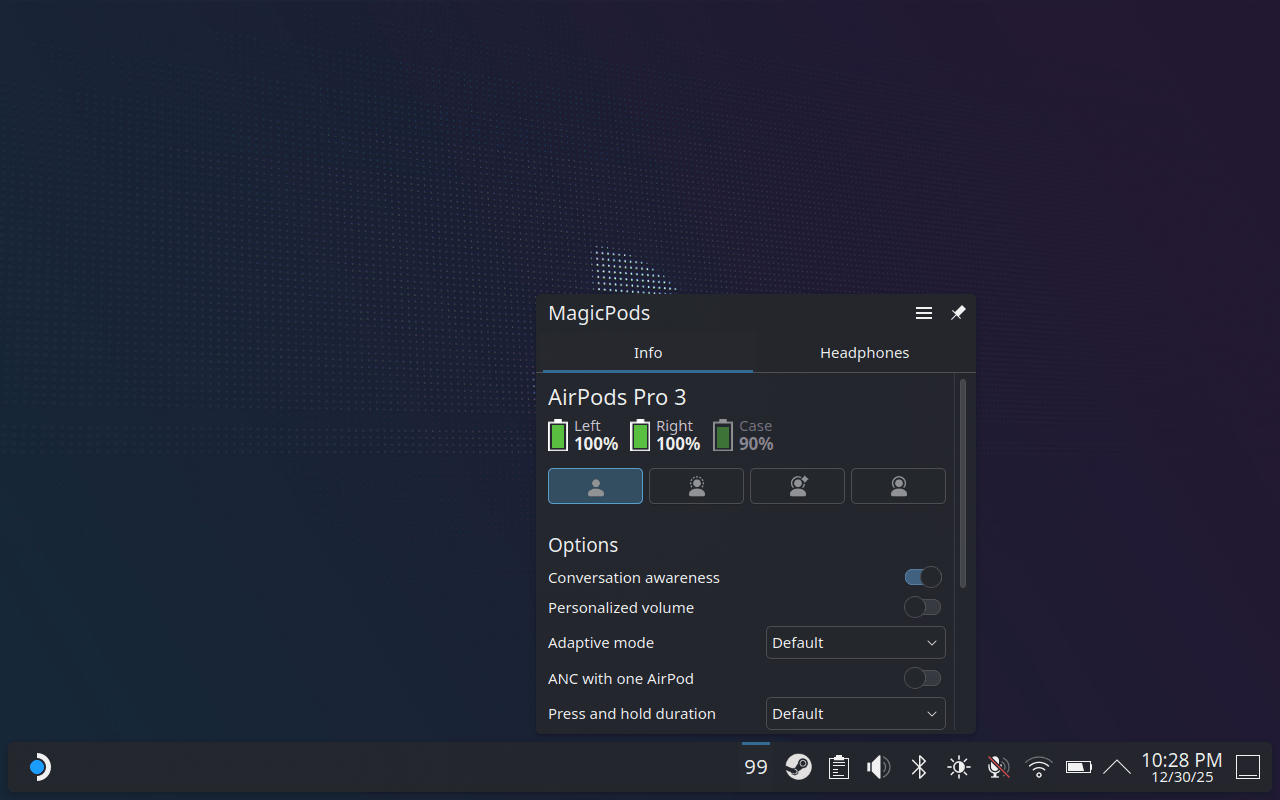
The next step was developing the main application that would handle installation and configuration of all components together. I wanted users to simply install MagicPods and seamlessly use it in both desktop and gaming mode on SteamOS.
About a month later the first application build was ready, including:
- MagicPods — interface for desktop mode
- MagicPodsPlasmoid — quick settings widget for the desktop tray
- MagicPodsDecky — interface for gaming mode
- MagicPodsCore — shared background service for headphone management used by all components above
Andrey Litvintsev helped me with DBus integration and fixing some issues in the code. He also tested my UI on his system. Together we significantly expanded MagicPodsCore by adding BLE support, settings storage and support for newly released AirPods and Beats models.
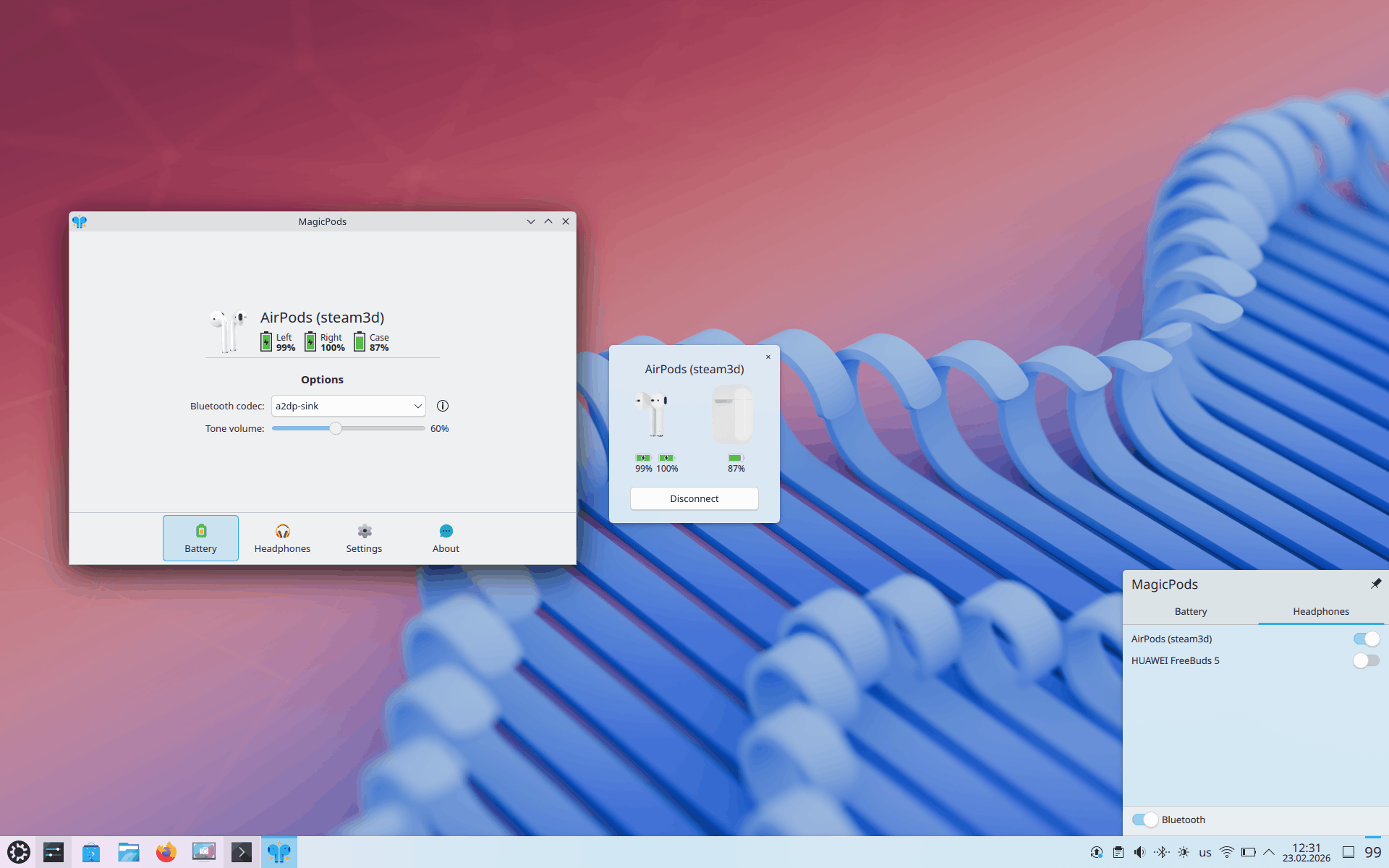
Everything worked and looked great in KDE style, and the whole application with all content included occupied only around 60 MB. And keep in mind — that included 40 animations, headphone images, icons and all application components.
But then I ran into Steam publishing requirements. In short — the application had to be fully self-contained, include everything inside the build and not depend on operating system libraries. And most importantly — testing happens on Linux first and only then on SteamOS. As a result, it’s impossible to publish the application exclusively for SteamOS despite Steam admin panel settings and the application working correctly through Steam itself.
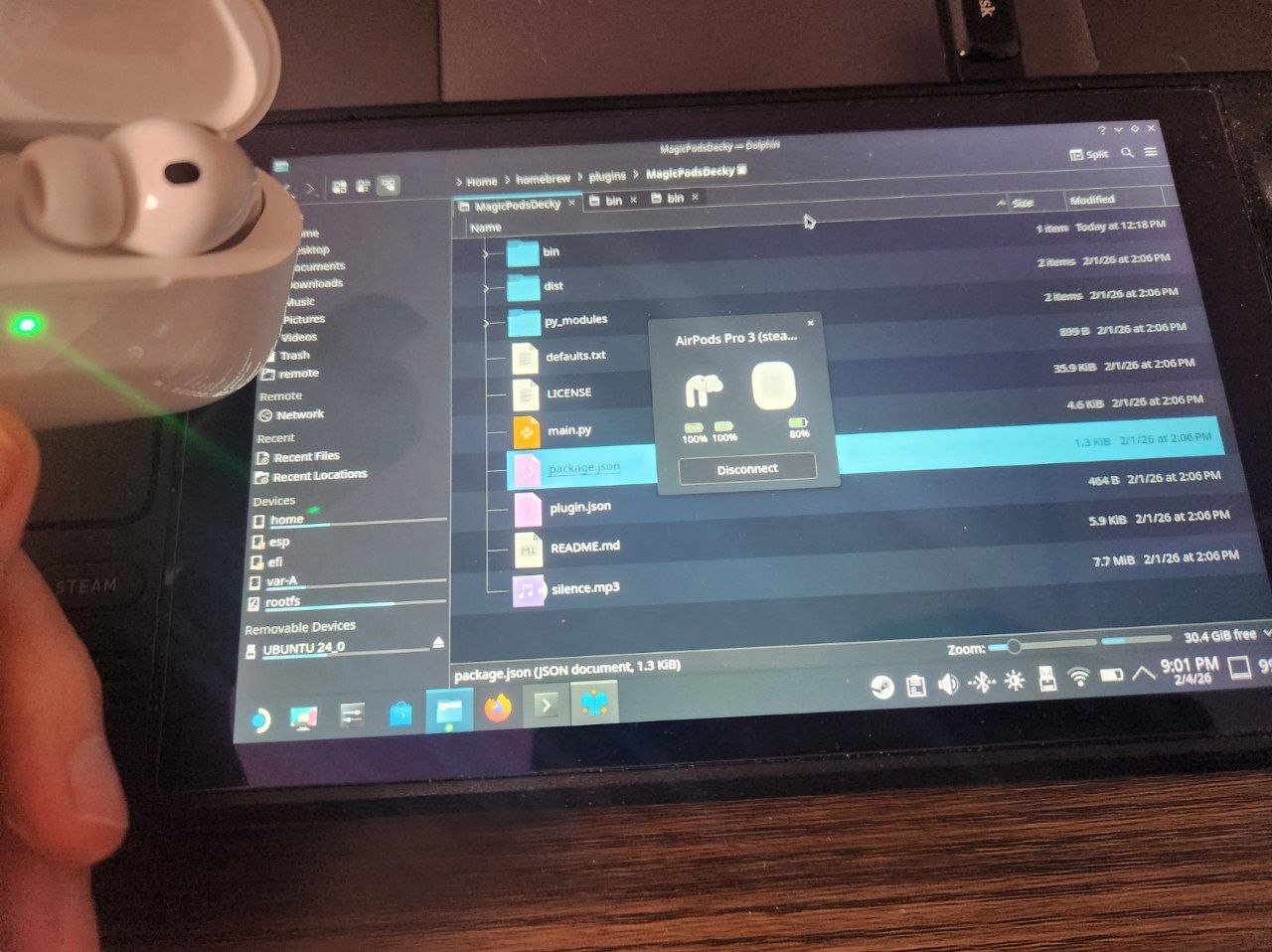
The next two months were spent almost completely redesigning and rewriting the entire application. I had to remove some features, including MagicPodsPlasmoid, replacing it with a tray icon. I also had to slightly “hack together” the background service launch through the application itself and the Decky plugin. MagicPodsDecky now has to be installed separately through the Decky Loader store.
On top of that, the application now has to ship with a huge amount of libraries for standalone execution, which increased the final size to almost 200 MB. At least this allowed the application to run on SteamOS, Kubuntu and Ubuntu.
The hardest and still not perfectly solved issue was High DPI monitor support. On KDE the application looked great, but on other desktop environments — especially in SteamOS gaming mode — the interface sometimes looked blurry, while some colors displayed incorrectly regardless of the selected theme.
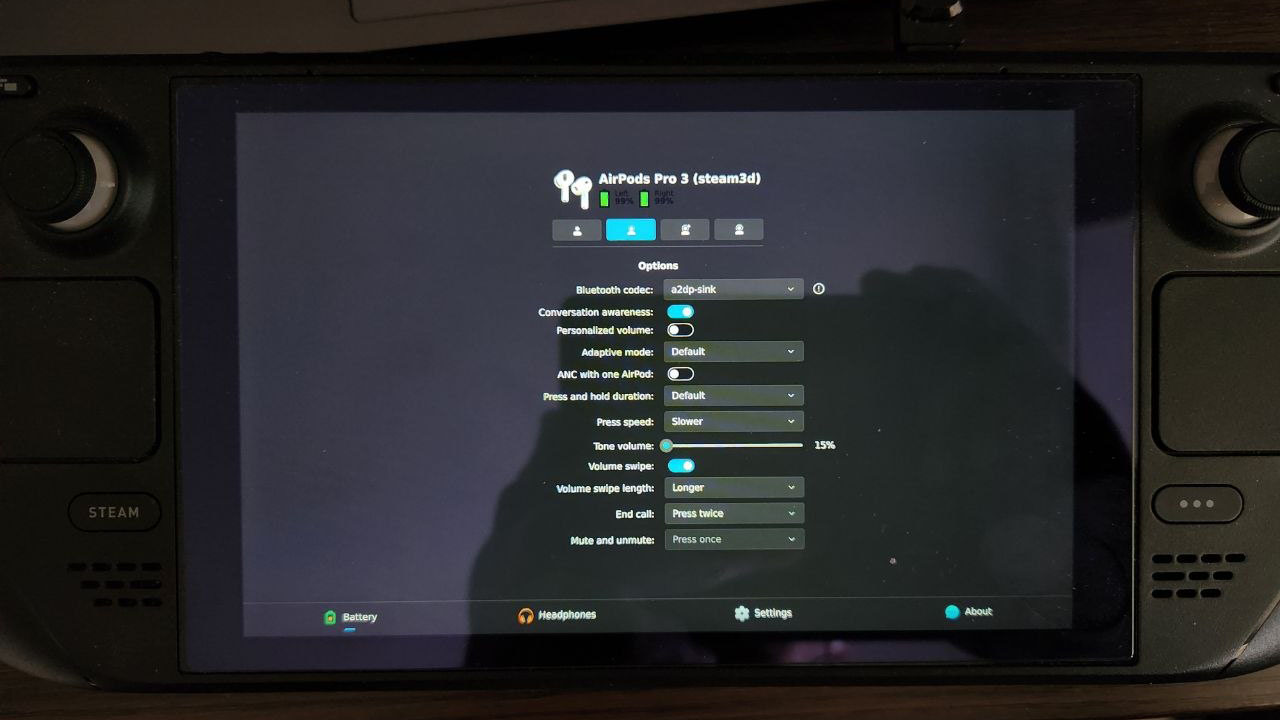
Even worse, on Ubuntu I never managed to restore the window shadow properly because enabling shadows made the application blurry, while making the application sharp removed the shadow entirely. Between shadows and a sharp interface, I chose the second one.
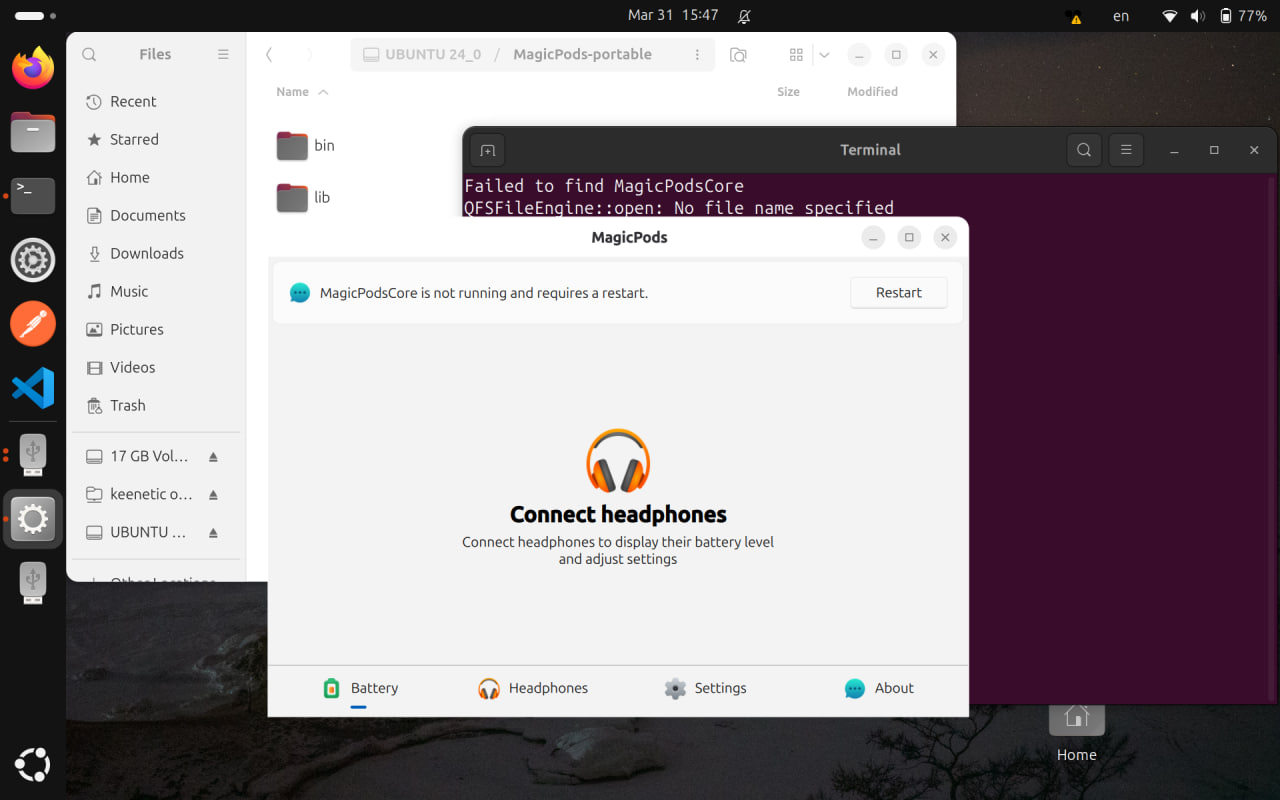
And that was basically the entire development experience. Fix one thing — something else breaks. After a few hundred attempts I finally managed to find more or less universal settings.
The final stage was endless tweaking of text, screenshots and the Steam store page description. That’s exactly why some screenshots contain pretty funny headphone names.
In total, development took around six months with almost no days off and roughly 10-hour workdays on average. Though it’s worth mentioning that during all of this I was also maintaining the main application, the plugin and several other projects.
Application and Features
At the core of MagicPods is MagicPodsCore — my background service for managing AirPods, Beats, Galaxy Buds and other Bluetooth headphones written in C++, while the MagicPods interface itself is built using Qt and C++.
At this point I’ve implemented almost all functionality available in MagicPodsCore and even expanded some features a little further.
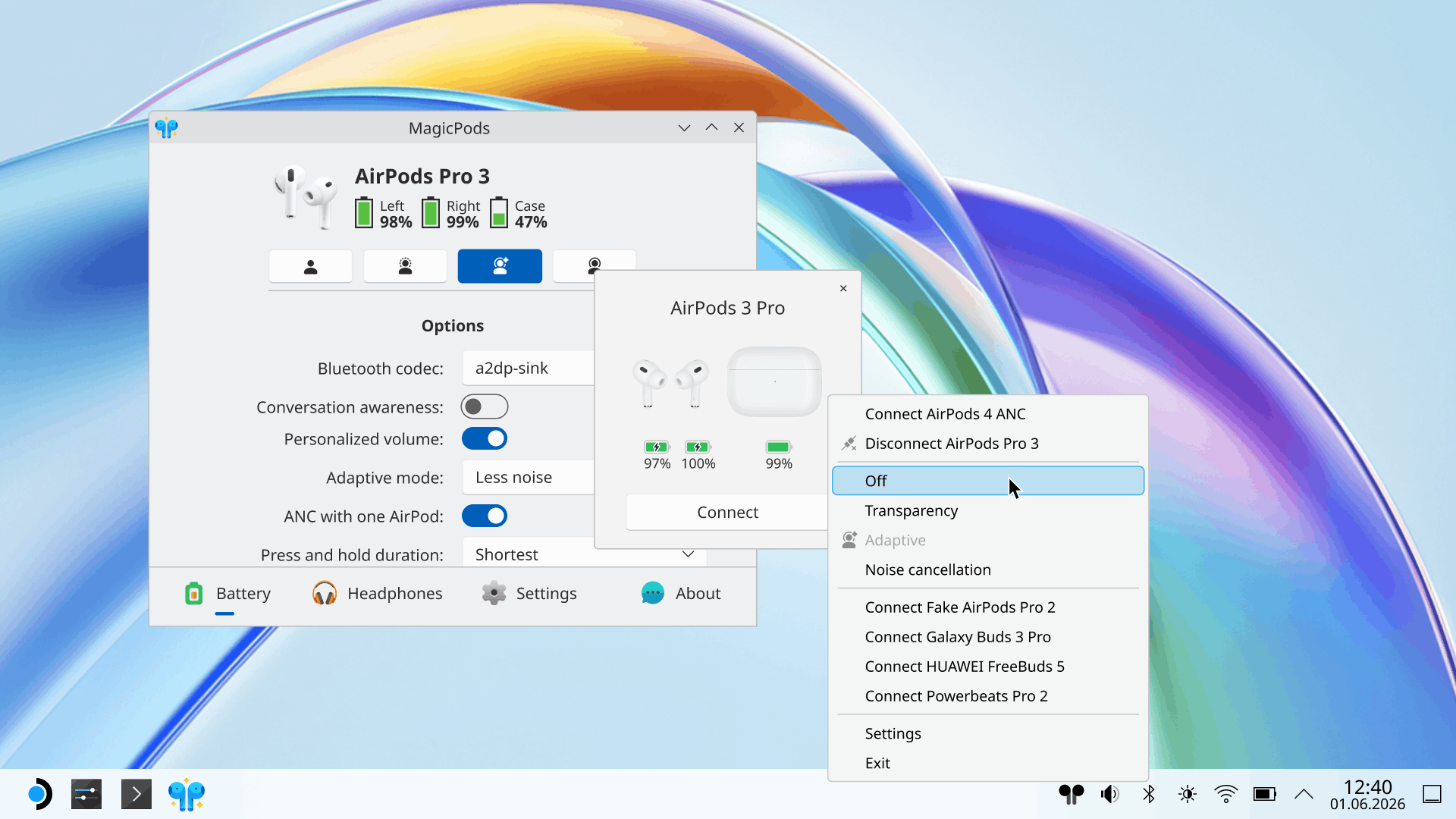
The main new feature is support for AirPods and Beats popup animations. This feature works slightly differently compared to the Windows version. You only need to connect your headphones once for the initial setup, after which the animations and accurate battery level display work almost exactly like on iPhone.
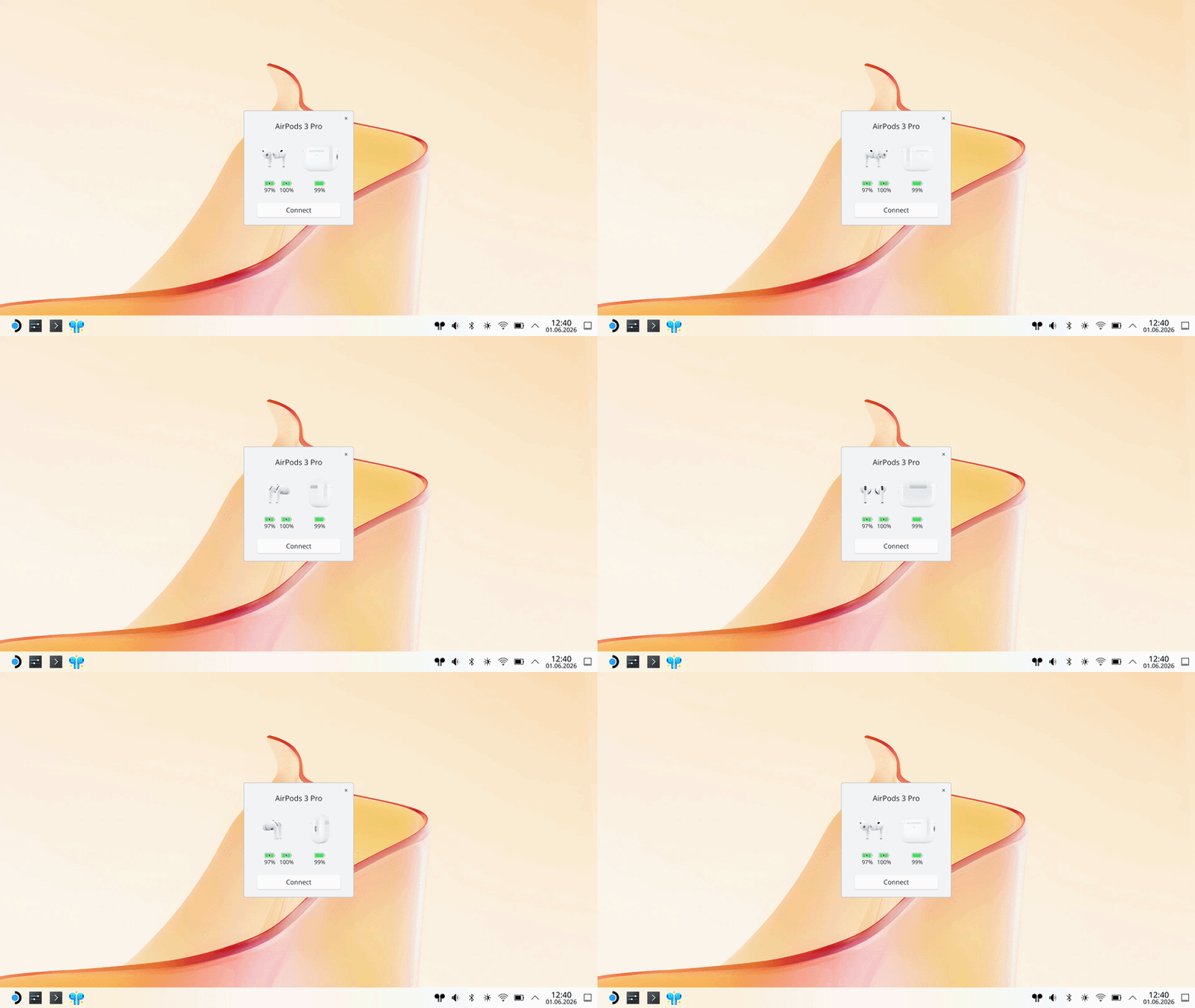
The interface consists of two parts:
- detailed settings inside the main application window;
- quick settings accessible from the tray icon.
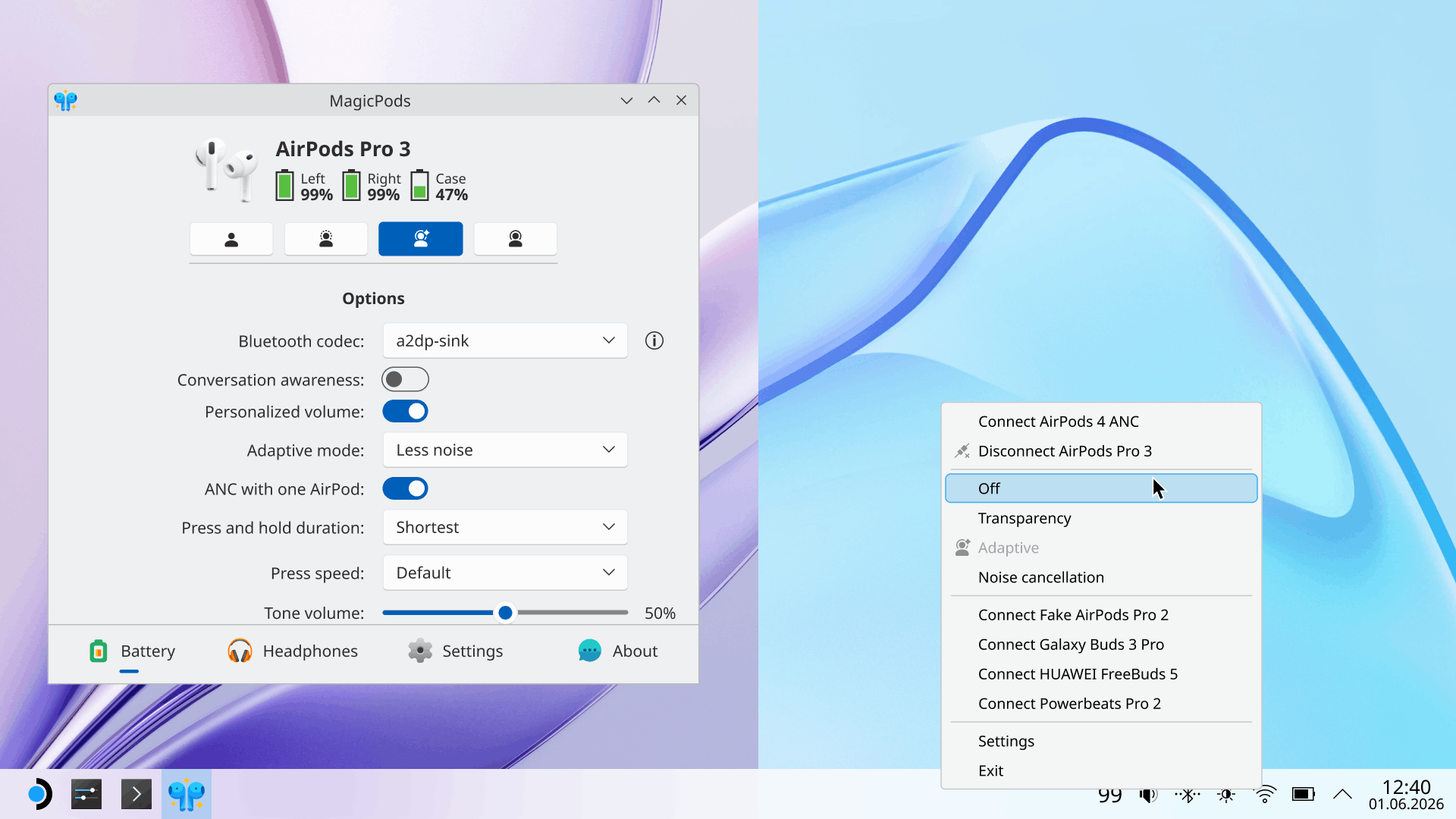
Most familiar AirPods features such as noise control, personalized volume, press duration adjustment, tone volume settings and much more work perfectly for AirPods models and Beats headphones.
Some features work with limitations. For example, single/double tap call controls can be configured, but those settings only work on iPhone/iPad/Mac. They are unavailable when connected to other devices.
Conversation Awareness works, but audio control is currently implemented only inside MagicPodsDecky. In future updates I plan to move this functionality directly into MagicPodsCore so it becomes independent from SteamOS gaming mode.
Notifications and localization were not included in the first release. I’m still learning how some of these Linux-specific features work internally, but I plan to add them in future updates.
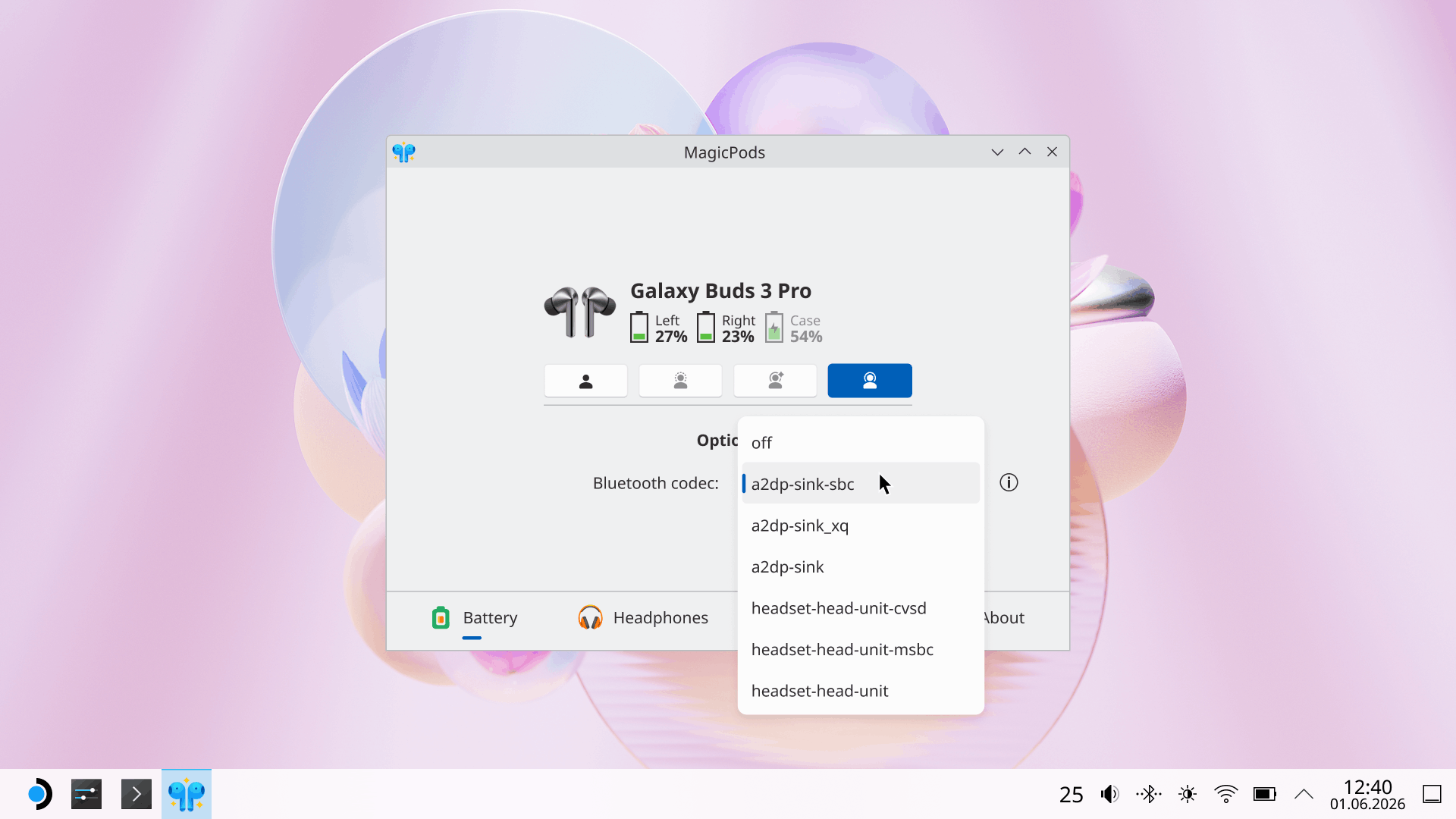
I also paid special attention to codec management. This feature is available for all headphones and depends on codecs supported by the system. In most cases Linux automatically selects the best codec, but users can manually switch Bluetooth codecs if they prefer.
System theme detection in Linux is its own kind of headache. If icon colors don’t match your system theme correctly, you can manually select light or dark mode directly inside MagicPods settings.
Supported Headphones
The following headphones support advanced functionality, while most other Bluetooth headphones support battery level display and Bluetooth codec switching.
| Apple | Beats | Samsung |
|---|---|---|
| AirPods 1 | PowerBeats Pro | Galaxy Buds |
| AirPods 2 | PowerBeats Pro 2 | Galaxy Buds Plus |
| AirPods 3 | PowerBeats 3 | Galaxy Buds Live |
| AirPods 4 | PowerBeats 4 | Galaxy Buds Pro |
| AirPods 4 (ANC) | Beats Fit Pro | Galaxy Buds 2 |
| AirPods Pro | Beats Studio Buds | Galaxy Buds 2 Pro |
| AirPods Pro 2 | Beats Studio Buds Plus | Galaxy Buds FE |
| AirPods Pro 3 | Beats Studio Pro | Galaxy Buds 3 |
| AirPods Max | Beats Solo 3 | Galaxy Buds 3 Pro |
| AirPods Max 2024 | Beats Solo Pro | |
| AirPods Max 2 | Beats Studio 3 | |
| Beats X | ||
| Beats Flex | ||
| Beats Solo Buds | ||
| Powerbeats Fit |
Final Words
My projects MagicPodsLinux, MagicPodsDecky and MagicPodsCore are open source, so if you want you can add support for additional headphone models yourself.
MagicPods for Linux is now available on Steam.